How to Download AIS (Annual Information Statement) for ITR Filing
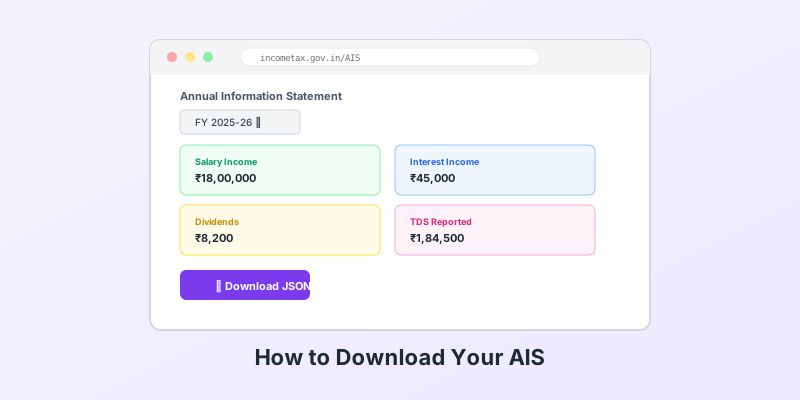
Your AIS (Annual Information Statement) contains every financial transaction the IT department knows about — interest, dividends, capital gains, and TDS from all sources. Here's how to download it in 2 minutes.
Step 1: Login to the Income Tax Portal
Go to incometax.gov.in and login with your PAN and password.
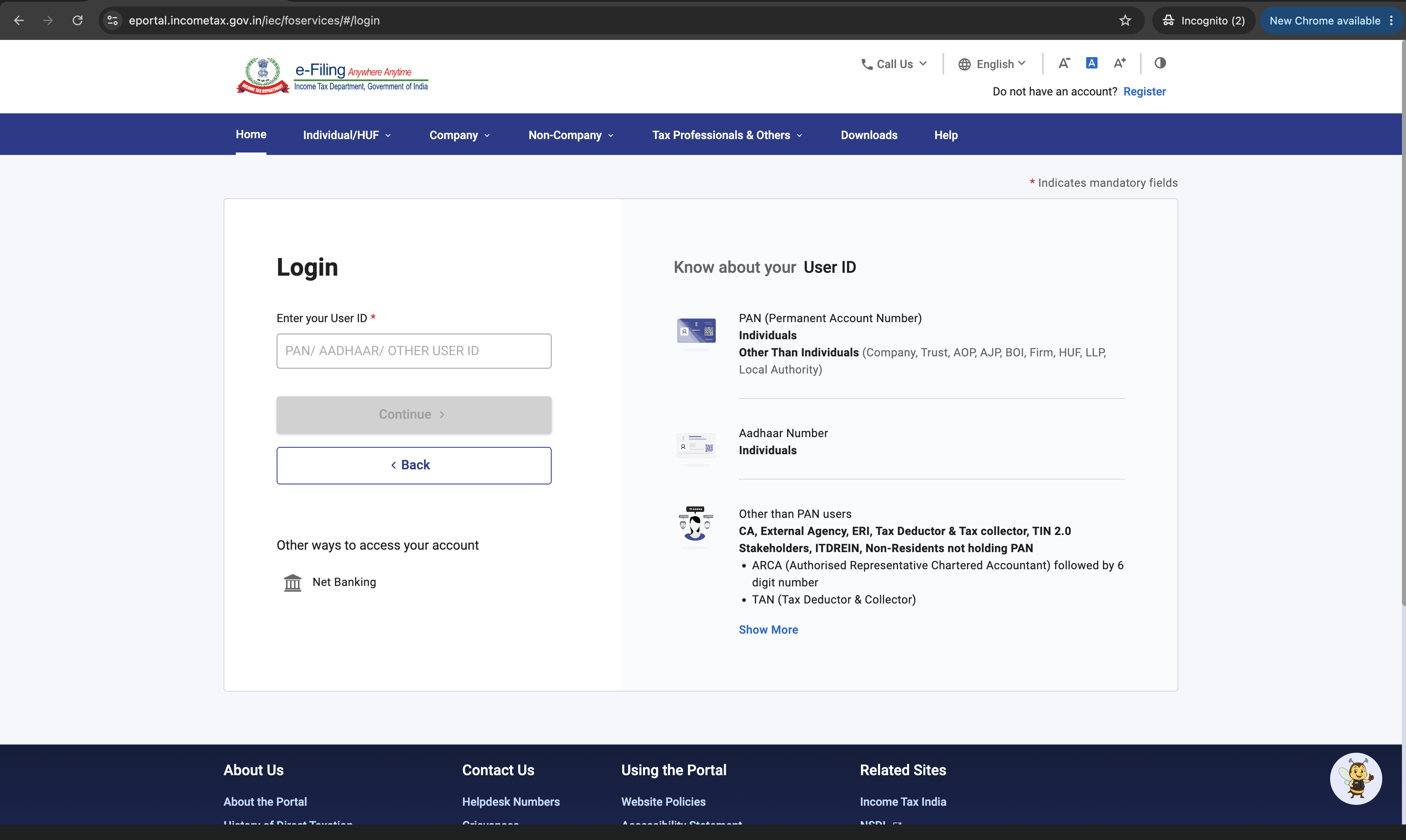
Tip: If you haven't registered, you'll need your PAN, Aadhaar, and mobile number linked to Aadhaar for OTP verification.
Step 2: Navigate to AIS
After login, go to: Services → Annual Information Statement (AIS)

You'll be redirected to the AIS/TIS portal (compliance.insight.gov.in).
Step 3: Select Financial Year
Select FY 2025-26 (for AY 2026-27 filing).
Step 4: Download as JSON
Click the Download button.
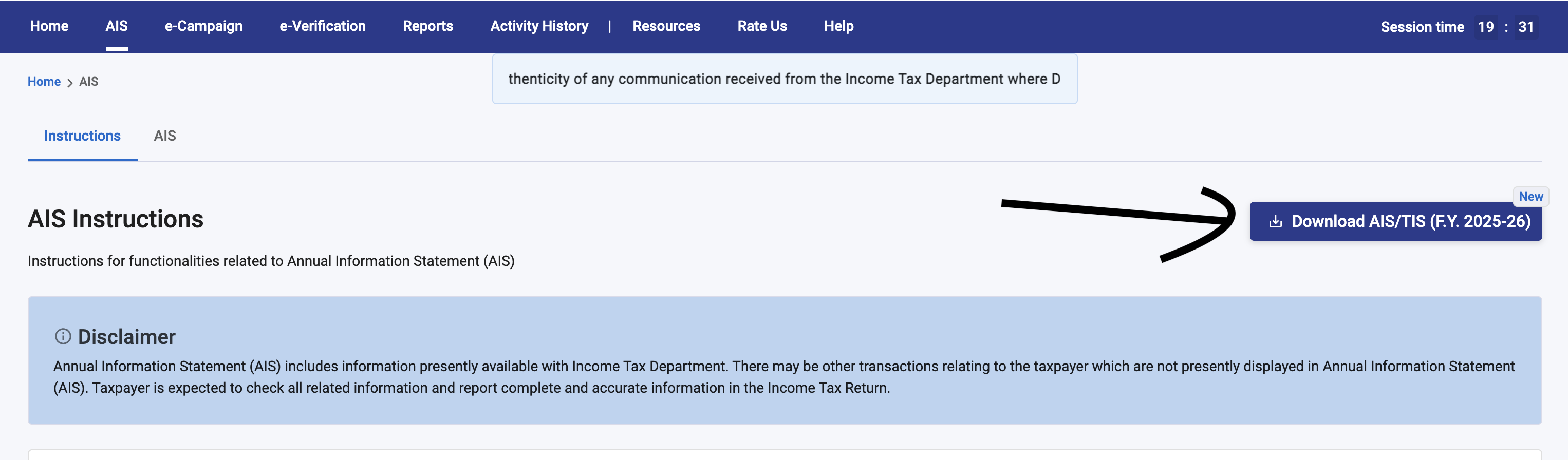
Then select JSON format.
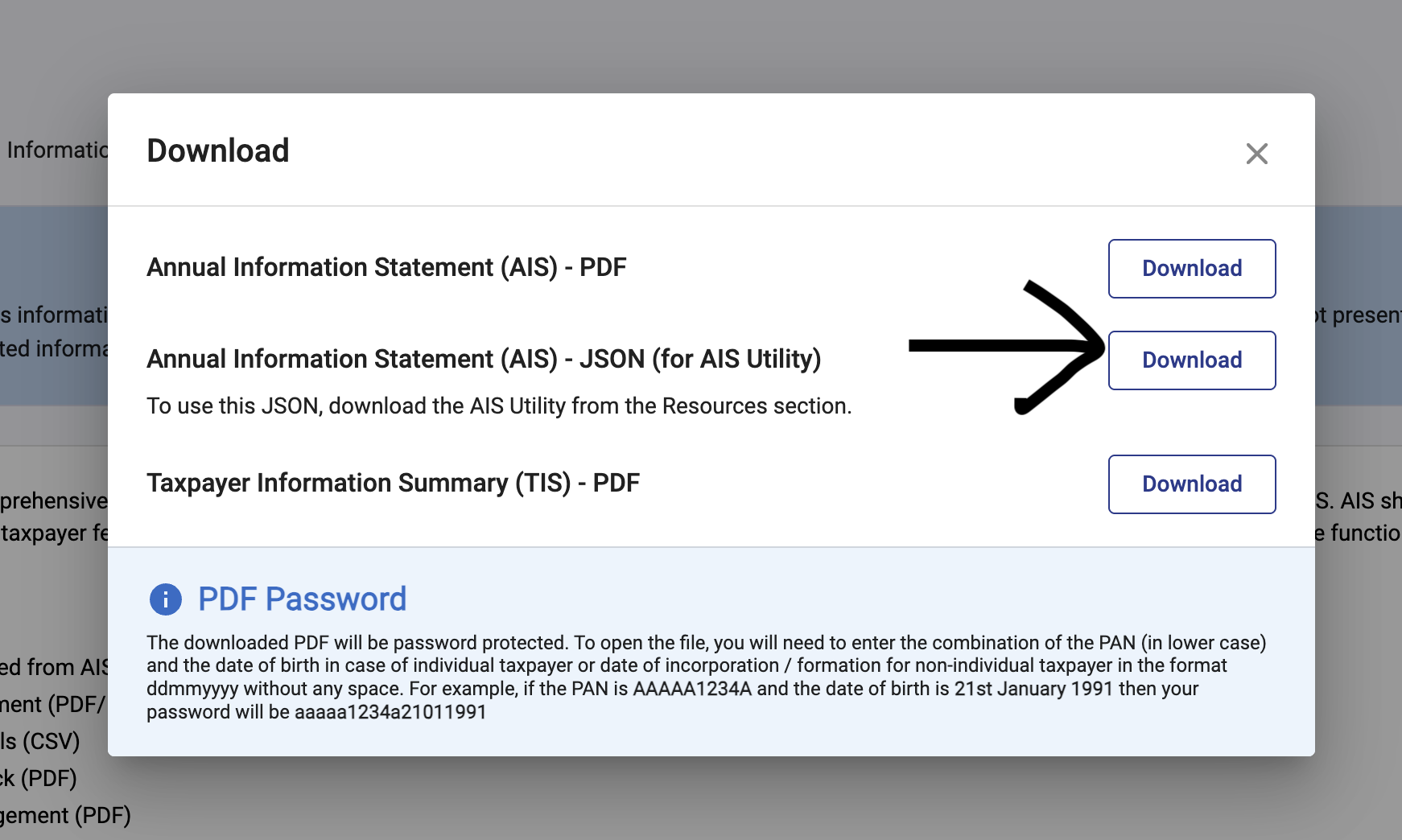
Important: Choose JSON, not PDF. Arth needs the JSON file to automatically extract your income data.
The file will be named something like AIS_2025-26_ABCDE1234F.json and will be encrypted.
Step 5: Upload to Arth
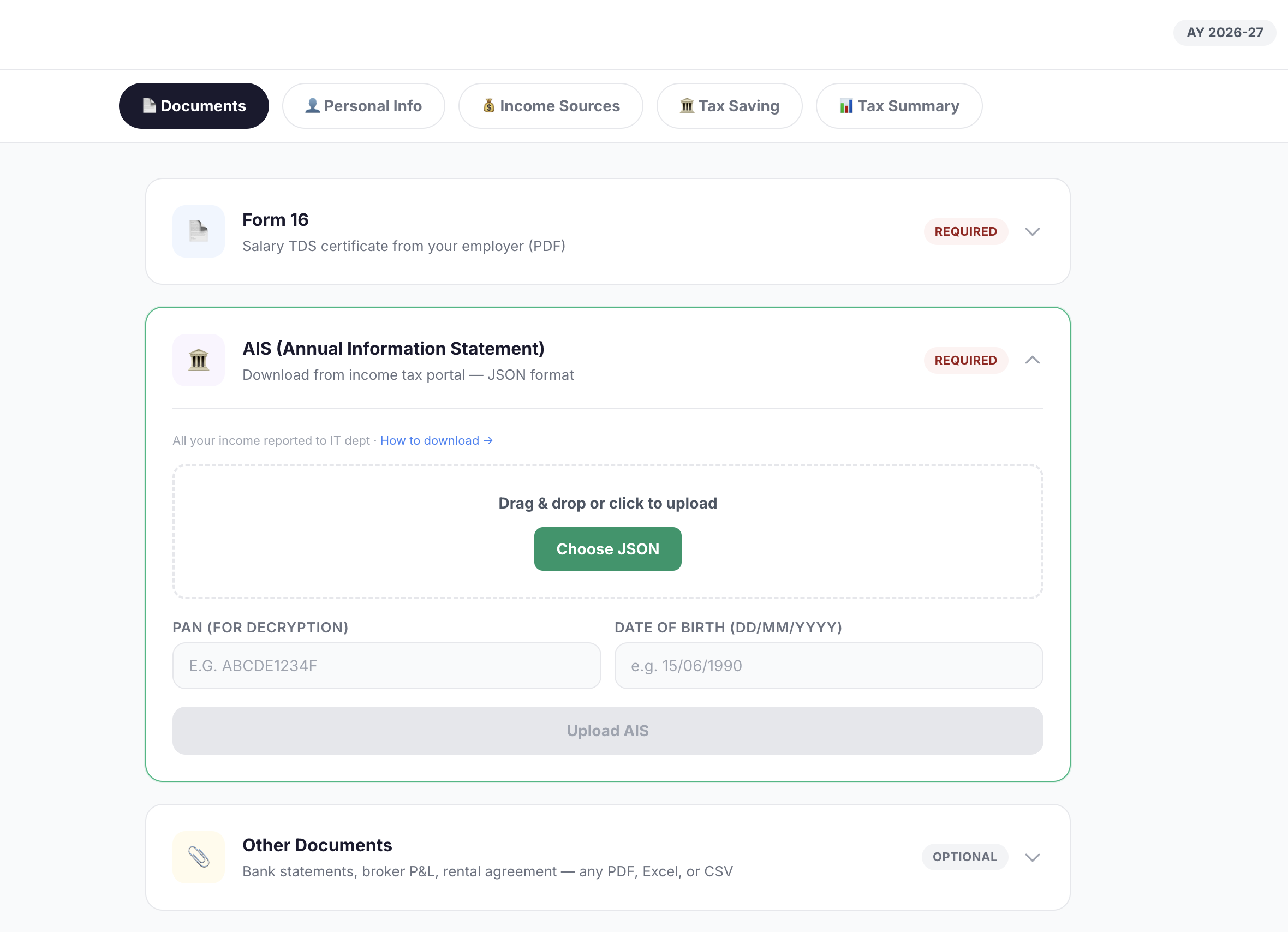
Go to the Tax Filing tab → Documents → AIS card. Upload the JSON file and enter your PAN and Date of Birth — Arth will decrypt and parse it automatically.
Troubleshooting
| Issue | Solution |
|---|---|
| "No data available" | AIS data is usually available from June. Try again later if it's early in the filing season. |
| Download button not visible | Try a different browser (Chrome/Edge recommended). Disable ad blockers. |
| Portal keeps logging out | Clear cookies and login again. The session expires after 15 minutes of inactivity. |
| Decryption failed in Arth | Double-check that PAN and DOB match exactly what's on the IT portal. DOB format: DD/MM/YYYY. |
Run these numbers on your finances
Arth looks at your full picture and tells you what actually matters.
Try Arth →